
Arbimary
An IFC model viewer for Apple Vision Pro. Read IFC models the way you read a PDF. Just spatially.
I want pilot accessArbimary gallery
Core features
1:1 walkthrough
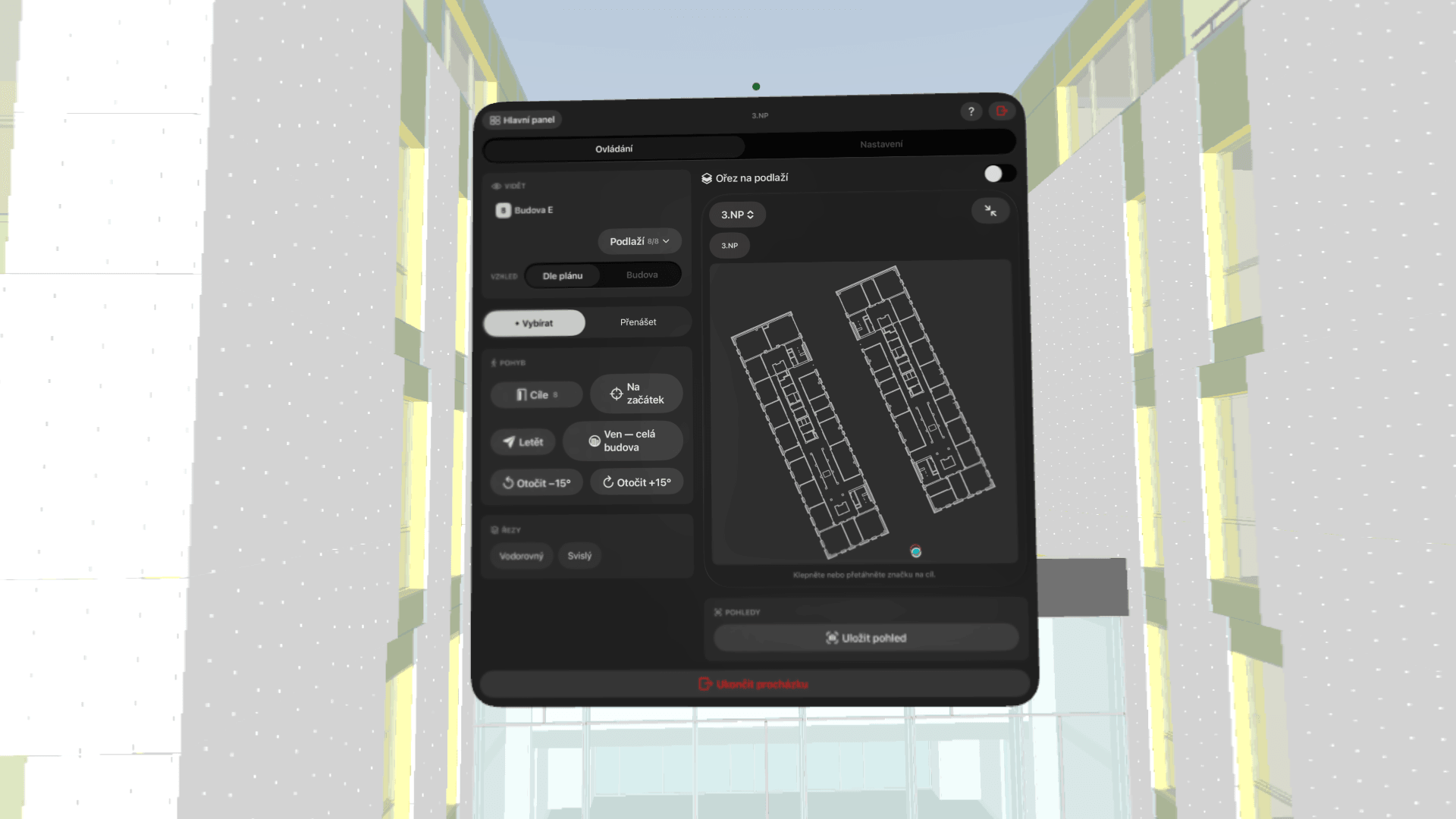
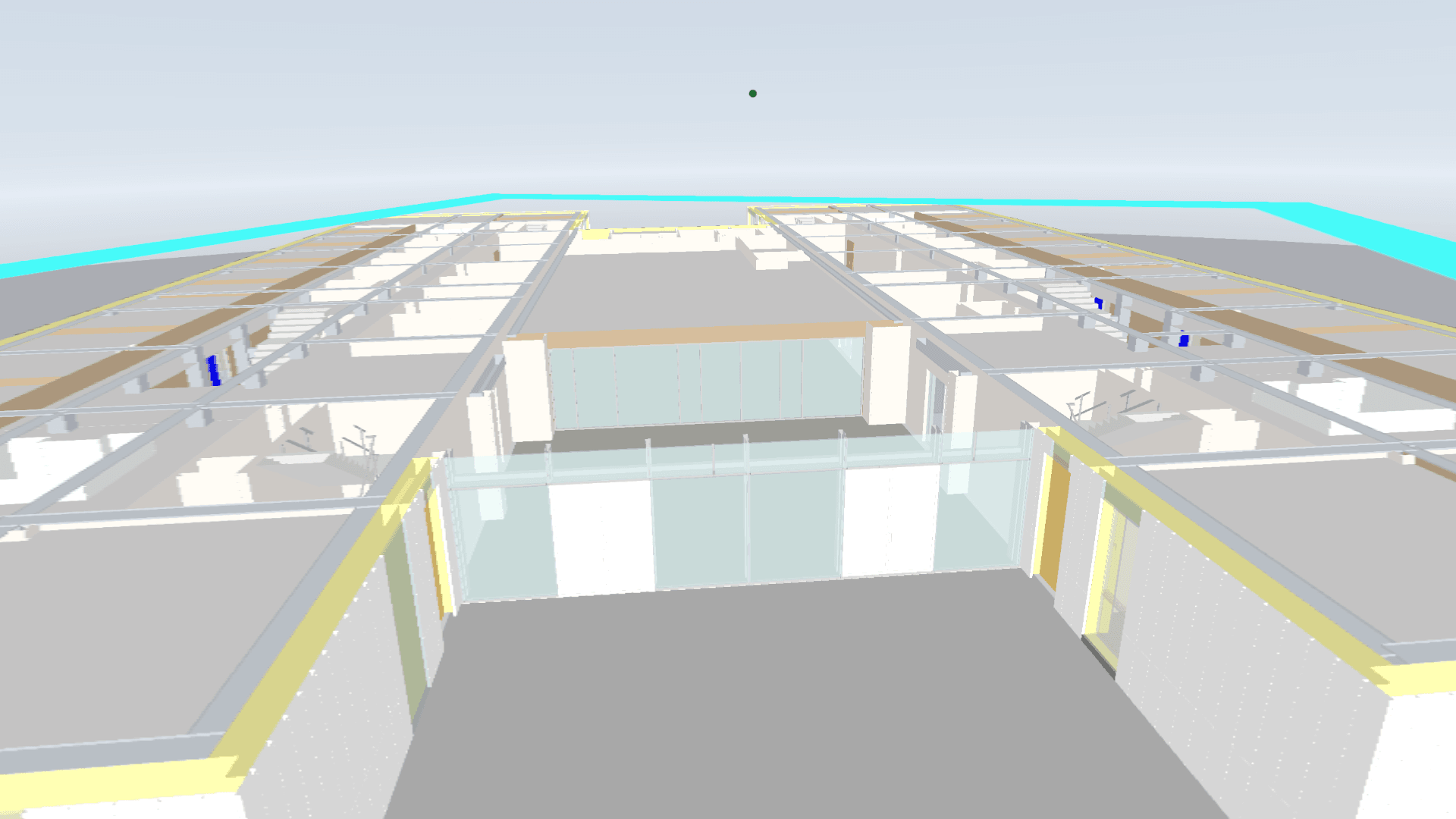
Walk through the building at real scale. Teleport to any floor or the starting point, a mini-map with the floor plan, and smooth locomotion with no motion sickness.
Model on the table
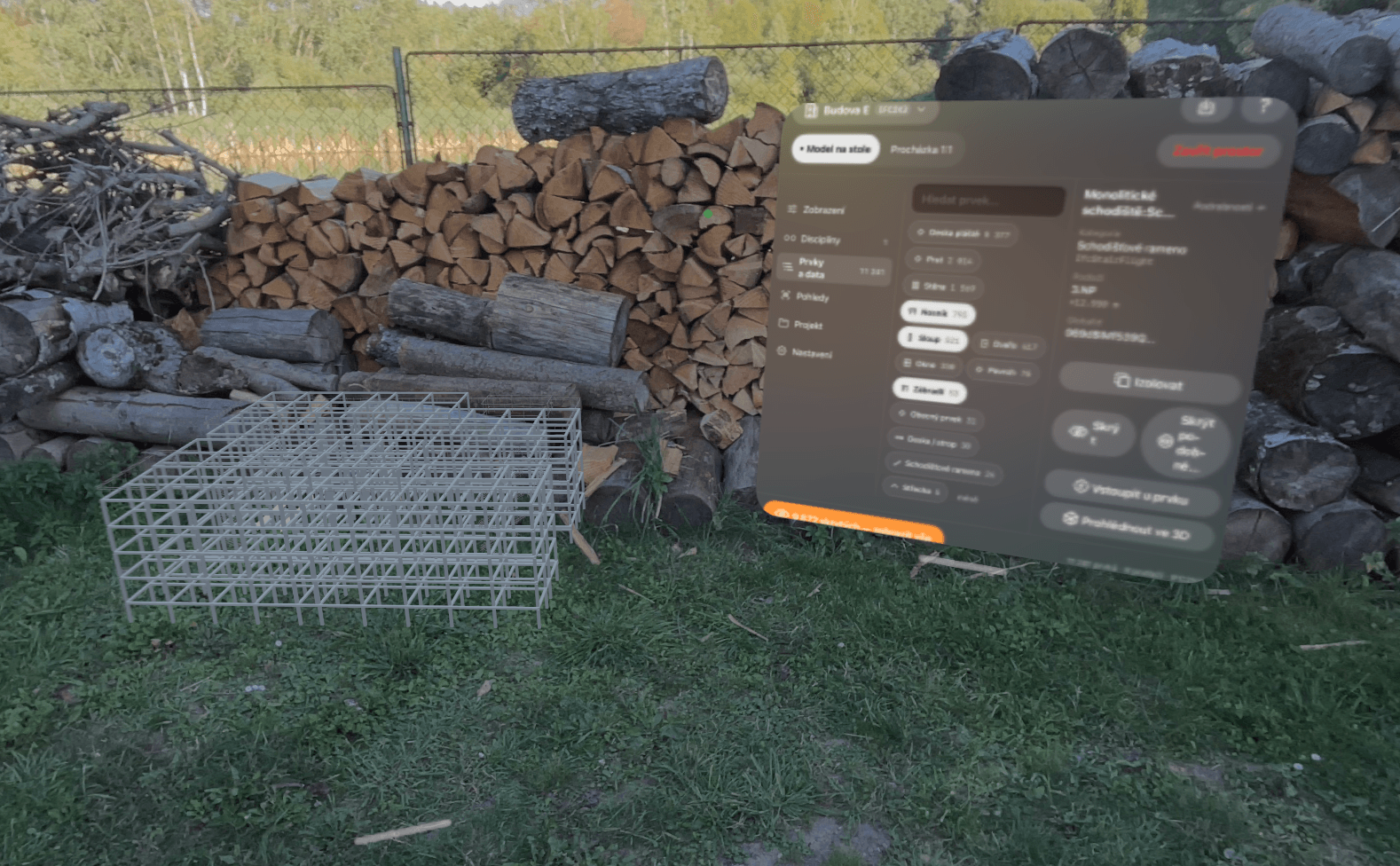
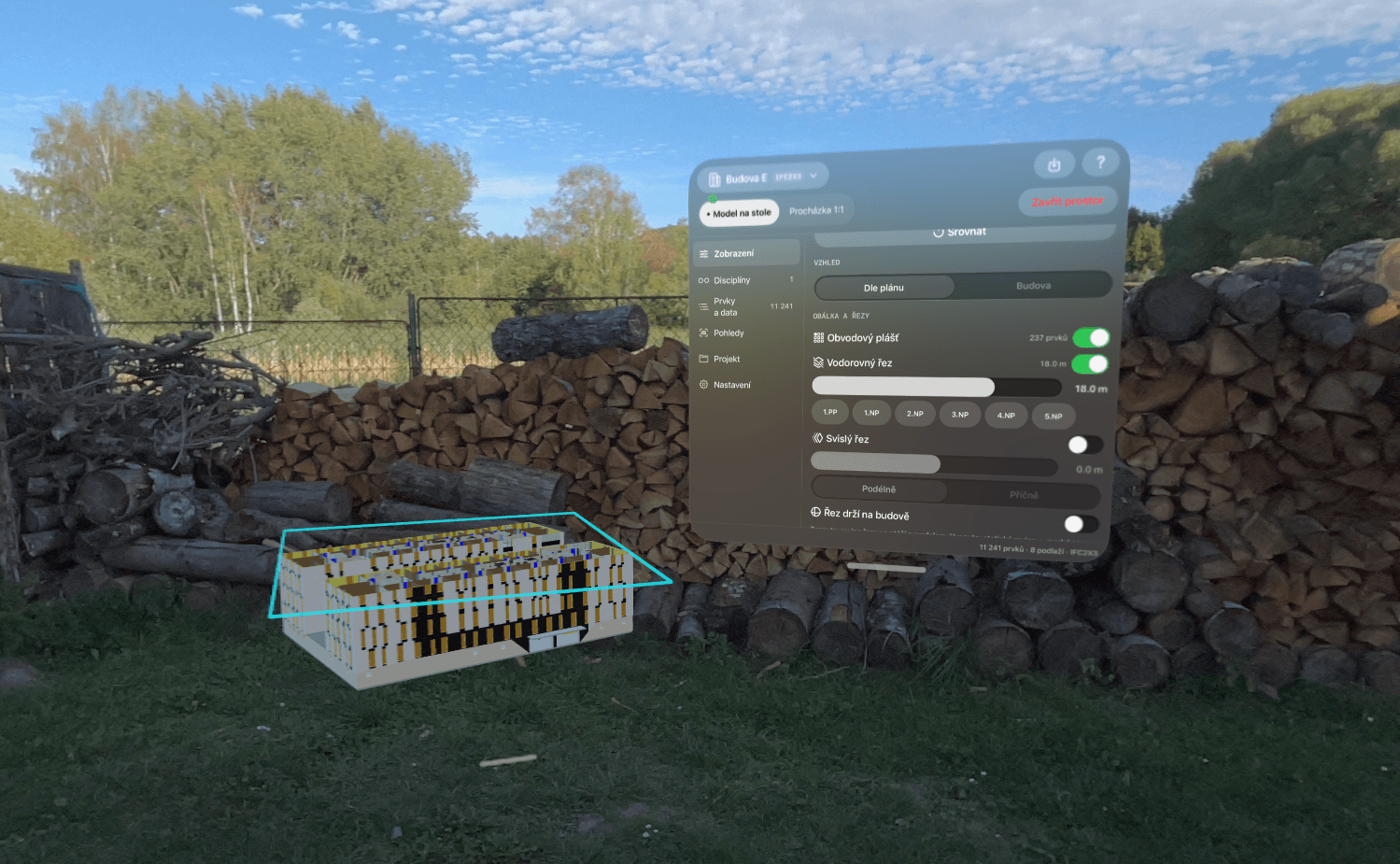
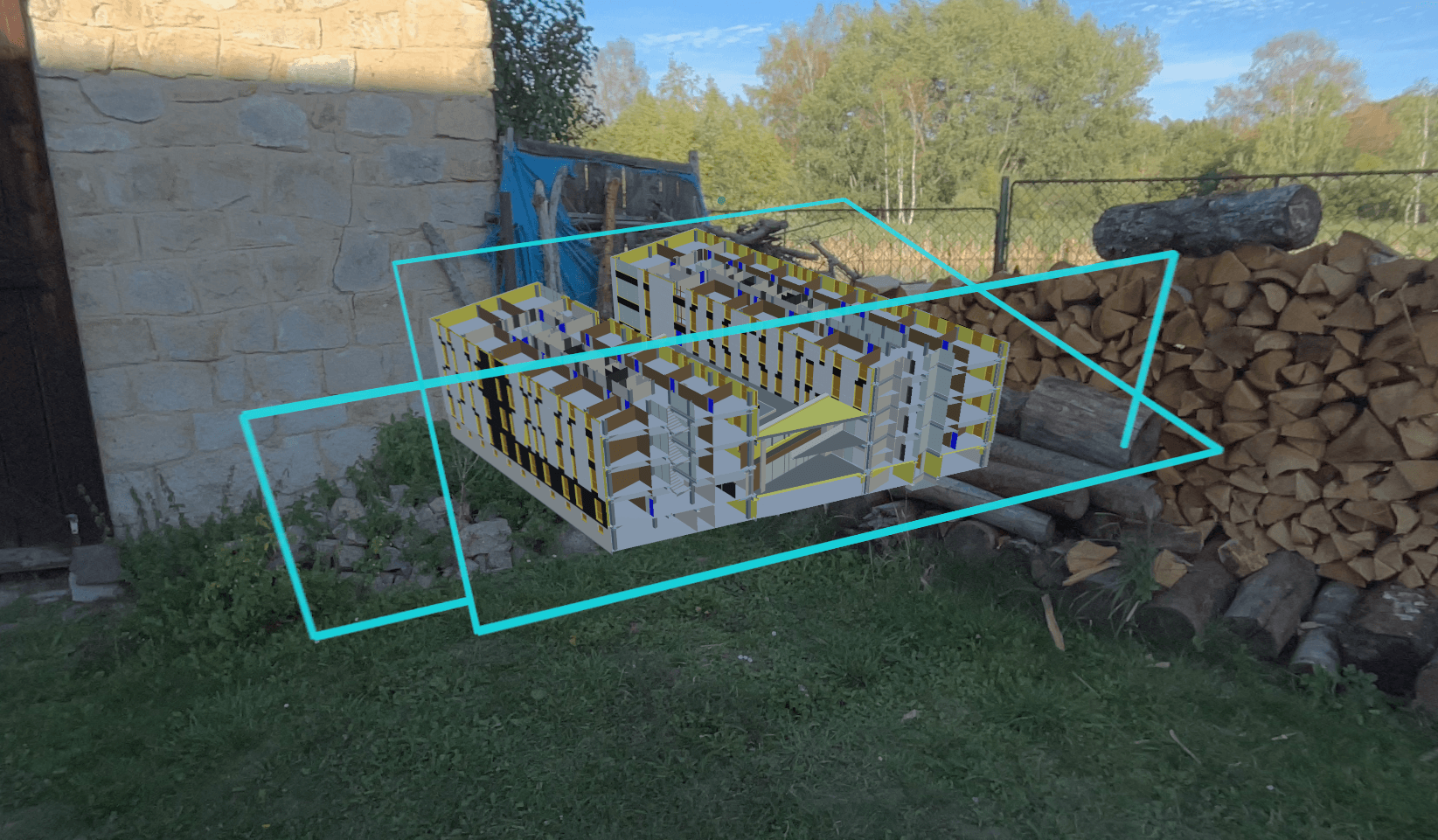
A miniature of the whole project right on your desk. Rotate and zoom with gestures, and spread the building apart by floor with a single motion.
Real-time sections
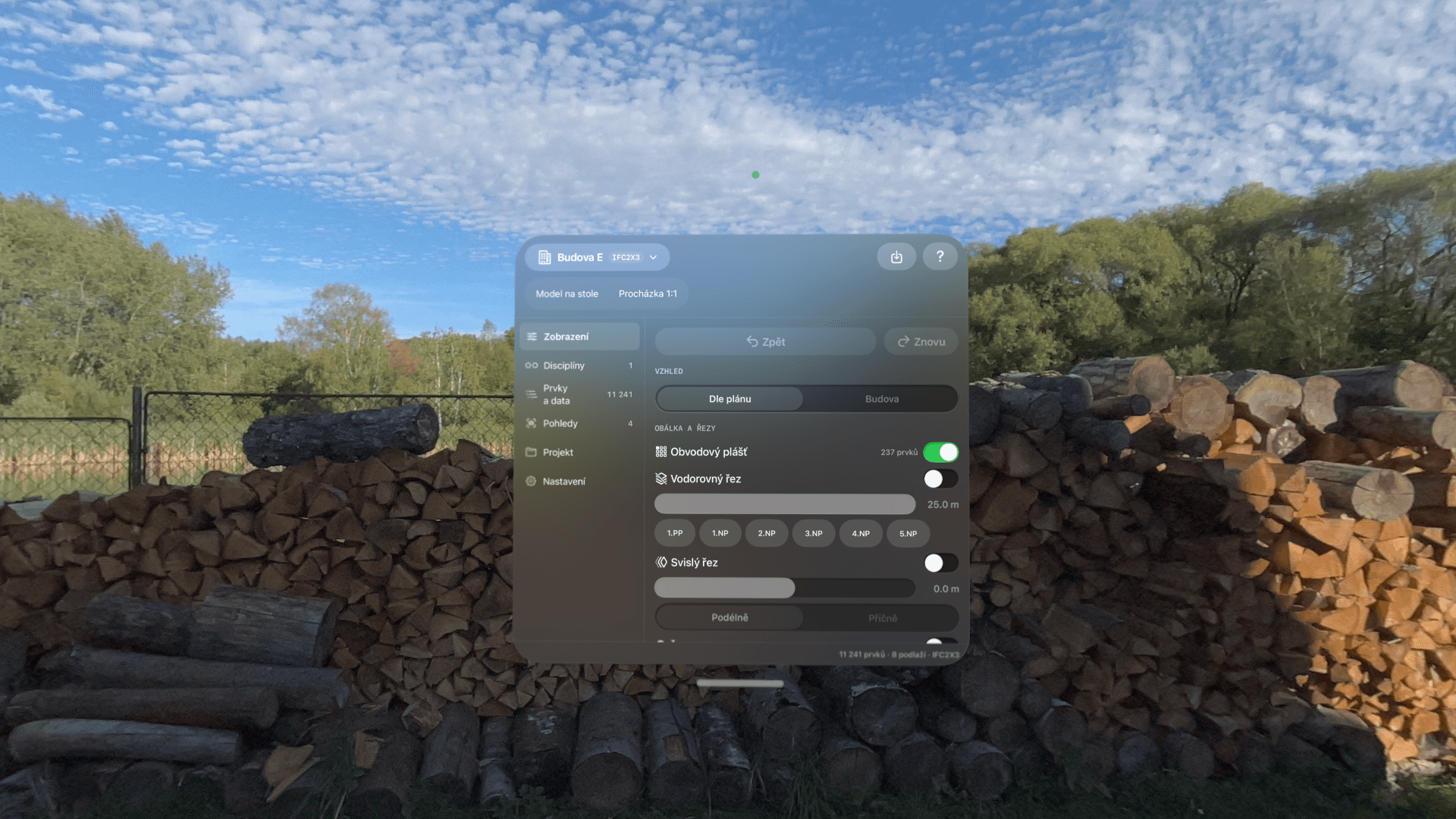
A horizontal and vertical section driven by a slider — look inside any floor or room, both on the table and inside the walkthrough.
Elements and their properties
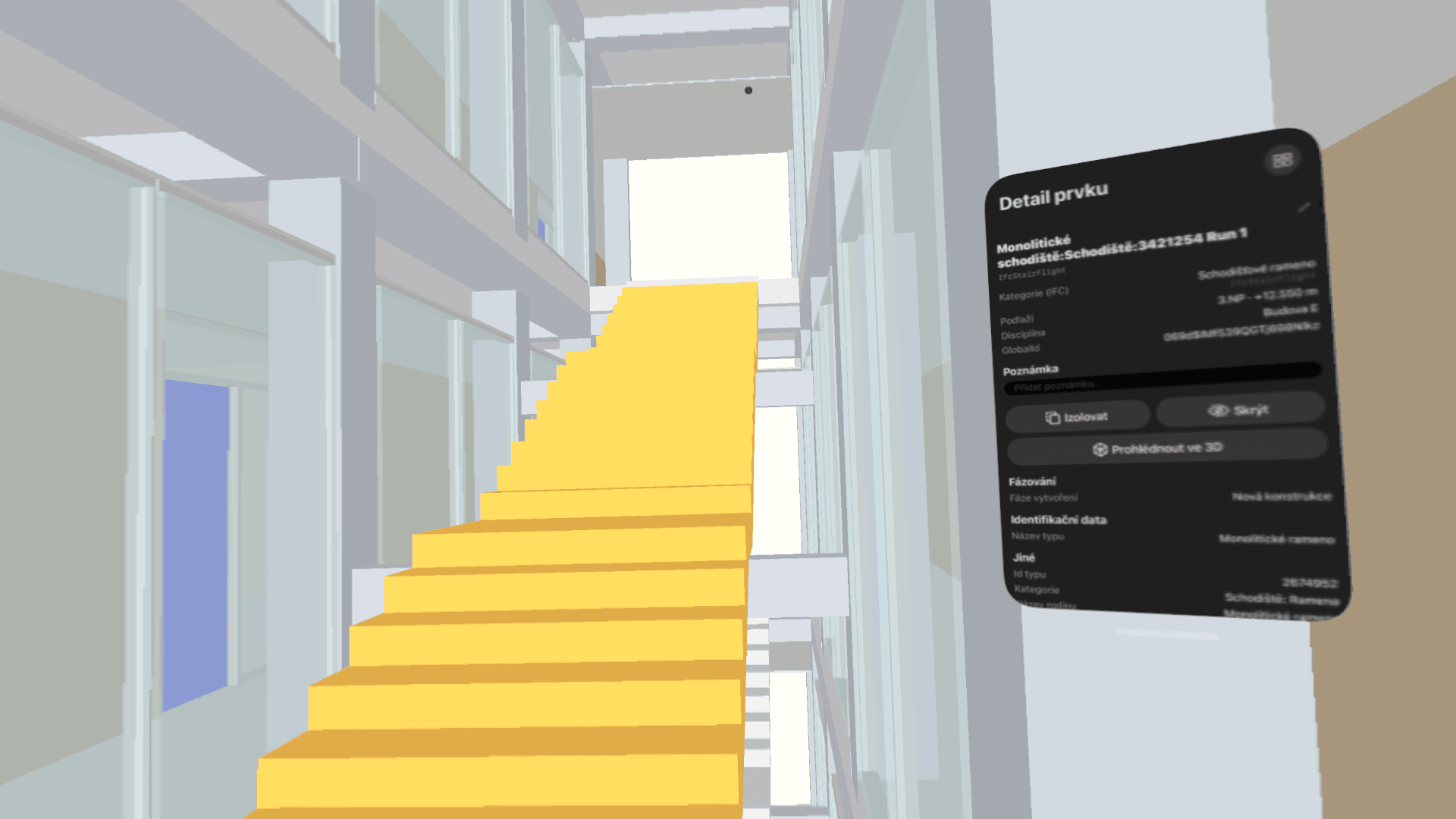
Select an element with your gaze and a gesture. See its IFC parameters (psets), hide it, isolate it, or inspect it in 3D detail.
Multi-file federation
Project split across dozens of IFC files? Arbimary assembles them into a single model — with toggling of individual parts and merged floors.
Performance without compromise
A custom renderer built directly on Metal. Smooth walkthroughs even on a federation of 43 parts, 186,000 elements, and 56 million triangles — loaded in few seconds.
From IFC to a walkthrough in three steps
Convert
The Arbimary Convertor app for macOS converts your IFC files into an optimized package. Locally, on your Mac — your data never leaves.
Transfer
Get the package onto your headset via AirDrop or Files. No server, no extra account.
Browse
Open the project on the table or step into the walkthrough. The model is ready in an instant.
Who it's for
Construction firms and developers
Check the model before construction, coordinate trades over the miniature, and present project status to management and investors.
Architects and designers
Clients walk through the design before ground is broken. A spatial sense that no on-screen visualization can replace.
Frequently asked questions
What formats does Arbimary support?
IFC (2x3 and 4) via a dedicated macOS converter. The conversion prepares the model to run smoothly on the headset even for large federations.
How large a model can it handle?
Real federated projects with dozens of sub-files and hundreds of thousands of elements. The renderer manages performance automatically — rendering distant parts efficiently and nearby ones in full detail.
Can I edit anything in the model?
No — by design. Arbimary is a viewer: it displays the project faithfully and safely, so nothing gets changed by accident. Your authoring data stays in your BIM tool.
Do I need an internet connection?
No. Conversion runs locally on your Mac, viewing runs locally on the headset. Models never leave your company.
How do I get started?
Get in touch — we'll arrange a demo on your own project and access to the pilot program.
See your project differently. Literally.
Send us your IFC — within a few days you'll walk through it on Vision Pro.
Book a demo